Exchanging contact information is crucial for building professional networks and expanding business opportunities. However, traditional paper business cards are increasingly revealing their limitations: not only are they prone to loss and wear, but they become obsolete the moment contact details change, resulting in wasted resources. More importantly, in an era of growing environmental awareness, the use of paper cards runs counter to sustainable development principles.
NFC-based contact sharing offers a smarter, more efficient, and eco-friendly way to share information. This article explains the benefits of NFC contact sharing and provides a simple guide to set it up on your smartphone. Leave behind paper cards and embrace smart connectivity.
1. What is NFC?

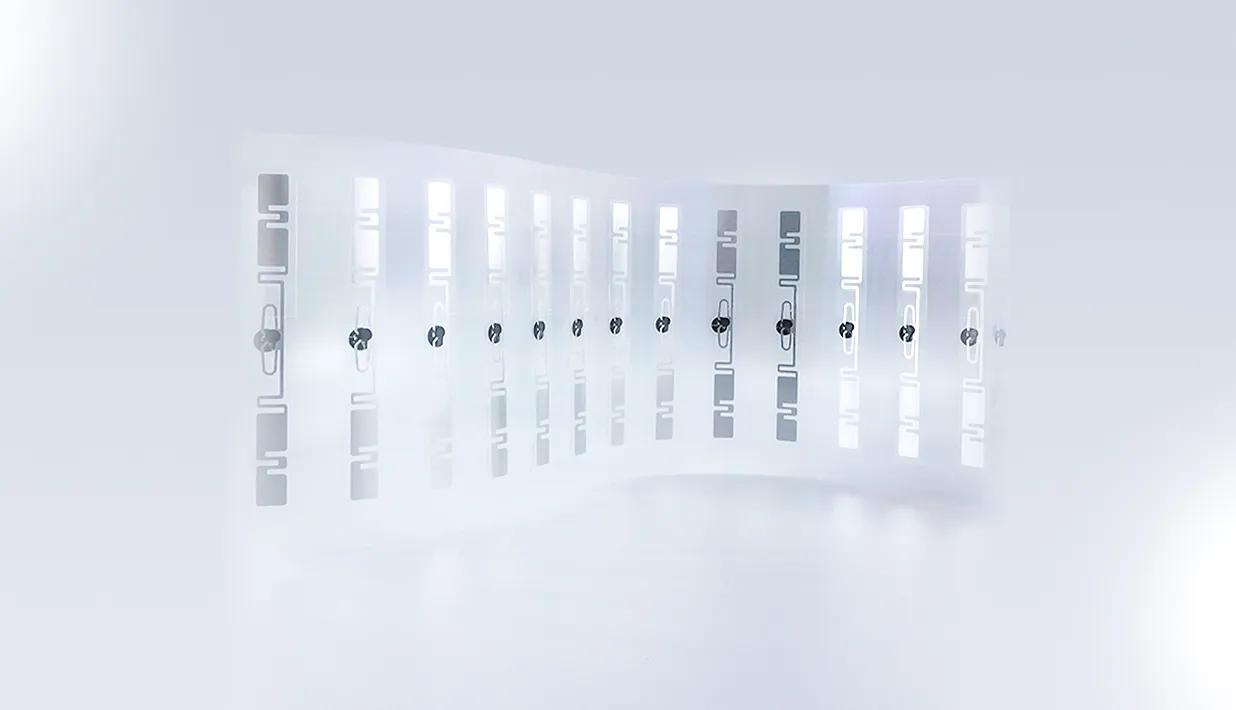
NFC is a short-range, high-frequency wireless communication technology enabling contactless peer-to-peer data transfer between electronic devices. Its typical operating range is within 10 centimeters, hence the name “Near Field Communication.” NFC technology features a simple setup, rapid connection, and low power consumption, making it widely adopted in daily life. Applications include mobile payments (such as Apple Pay and Google Pay), public transit ticketing, access control systems, and device pairing. NFC tags, a crucial component of NFC technology, are passive electronic tags embedded with NFC chips. They require no batteries, instead drawing power from NFC-enabled devices to facilitate data exchange.
2. Advantages of NFC Contact Sharing

NFC contact sharing is not merely a replacement for traditional business cards; it represents an entirely new and superior method of exchanging contact information. Below are several key advantages of NFC contact sharing:
Instant Transfer, Efficient and Convenient
Compared to manually entering contact details or scanning QR codes, NFC contact sharing achieves true “one-touch access.” Simply tap your NFC business card or phone against the other person’s NFC-enabled device, and your contact information instantly transfers to their phone—no complicated steps required. This saves significant time and effort, making it especially suitable for business meetings, trade shows, and other scenarios demanding rapid information exchange.
Eco-Friendly and Sustainable, Reducing Waste
Billions of paper business cards are consumed globally each year, straining forest resources and generating vast amounts of waste. NFC contact sharing completely eliminates the need for paper cards, reducing carbon footprints and contributing to environmental protection. This aligns with modern corporate social responsibility and helps build a positive, eco-conscious brand image.
Effortless Updates, Always Current
Once printed, traditional business cards become static. Changes to your phone number, email, or job title render old cards obsolete. NFC contact sharing solves this challenge perfectly. You can instantly update contact details stored on NFC tags or digital business card platforms, ensuring recipients always have the latest information. This eliminates the risk of missed opportunities due to outdated contacts.
Elevate your professional image with a tech-savvy edge
Using NFC business cards or sharing contacts via NFC on your phone during business interactions leaves a lasting impression. It demonstrates your embrace of new technologies and forward-thinking approach, while highlighting your professionalism and commitment to efficiency. In a competitive market, this tech-savvy innovation helps you stand out from the crowd.
3. How to set up NFC contact sharing on your phone?

The process of setting up NFC contact sharing is typically very straightforward, making it easy to complete even if you’re trying it for the first time. Here’s a detailed step-by-step guide:
Preparation
Before beginning setup, ensure you have the following items ready:
An NFC-enabled smartphone: Most modern smartphones (including iPhone 7 and later models, as well as the vast majority of Android phones) have built-in NFC chips. You can check for the “NFC” option in your phone’s “Settings” to confirm.
NFC tag or NFC business card: This is the physical carrier storing your contact information. RFIDlabel offers various high-quality NFC tags and customizable NFC business cards—select the type that best suits your needs. These tags are typically rewritable, allowing you to update information anytime.
NFC Writing Tool App: You’ll need a specialized application to write contact information onto NFC tags. Numerous free and user-friendly NFC tool apps are available, such as “NFC Tools” (for Android and iOS) and “NFC TagWriter by NXP” (for Android). This guide will use “NFC Tools” as an example.
Step-by-Step Guide
Below are the general steps to set up NFC contact sharing using the “NFC Tools” app.
Enable NFC on Your Phone:
- Android phones: Typically found under “Settings” > “Connections & Sharing” or “More Connection Settings.” Some phones may offer a direct NFC toggle in the notification shade.
- iPhone: For iPhone XS/XR and newer models, NFC is enabled by default and requires no manual setup. For iPhone 7/8/X, you may need to add the NFC Tag Reader shortcut to your Control Center.
- Launch the NFC writing tool app: Open the NFC writing tool app you downloaded and installed (e.g., “NFC Tools”).
- Select Write Contact Information: Within the app interface, typically look for a “Write” or “Add Record” option. After selecting it, choose “Contact,” “vCard,” or a similar option. This allows you to input or select the contact information you wish to share, including name, phone number, email, company, job title, website link, etc.
- Write to NFC Tag: After confirming all contact details are entered or selected, the app will prompt you to place your phone’s NFC sensor area (usually located at the top or center of the back) near the NFC tag. Hold it there for a few seconds until the app confirms successful writing. Note: Do not move the phone or NFC tag during the writing process.
- Testing Your NFC Business Card: After successful writing, you can immediately test your NFC business card. Bring another NFC-enabled phone close to your NFC business card. The other phone should receive a notification. Tapping the notification will directly import your contact information into their address book.
Differences and Considerations Across Operating Systems (Android/iOS)
Although NFC technology is universal, there are subtle differences and considerations when sharing NFC contacts between Android and iOS devices:
| Features/Systems | Android | iOS (iPhone XS/XR and later) | iOS (iPhone 7/8/X) |
| NFC Function Enabled | Manual activation | Default enabled | Requires adding shortcut to Control Center |
| Background NFC Reading | Supported | Supported | Supported only in NFC tag reader mode |
| Write NFC Tags | Requires third-party app | Requires third-party app | Requires third-party app |
| Read NFC Business Cards | Automatically detects and prompts | Automatically detects and prompts | Requires manually enabling NFC tag reader |
| vCard Compatibility | Good | Good | Good |
| Privacy & Security | Write protection via app settings | System-level privacy protection | System-level privacy protection |
Precautions:
NFC Sensing Area: The NFC sensing area may vary slightly across phones, typically located near the rear camera or in the center of the back panel. If writing or reading fails, try adjusting the relative position between your phone and the NFC tag.
App Selection: Select reputable NFC writing tools with positive reviews to ensure data security and successful write operations.
Data Format: Ensure contact information is written in standard vCard format for proper recognition and import across most mobile systems.
Write Protection: Some NFC tags and apps support write protection. Once information is written, it can be locked to prevent tampering—particularly crucial for business cards.
Conclusion
NFC contact sharing technology offers an excellent way to bid farewell to traditional paper business cards and embrace digital, eco-friendly communication methods. It not only enhances the efficiency and convenience of information exchange but also helps businesses establish a modern, professional brand image. With a simple setup, you can store your contact information on a compact NFC tag and effortlessly share it anytime, anywhere.
As experts in RFID cards and tags, RFIDLabel is dedicated to delivering high-quality NFC products and solutions, empowering your business to navigate the digital wave with confidence. For further inquiries about NFC business cards or any RFID products, feel free to visit our official website rfidlabel.com anytime. Let’s unlock the future of smart connectivity together!
Recommended Product

On-Metal Mobile NFC Label MIFARE Ultralight® C Ø30mm

The Ø30mm NXP MIFARE Ultralight® C On-Metal Mobile NFC Label is a compact and high-performance NFC label specifically designed for on-metal applications. Powered by NXP’s MIFARE Ultralight® C chip, this NFC label supports 3DES authentication for enhanced data security, making it ideal for applications requiring both compact size and secure communication. Also, it supports ISO/IEC 14443-A , NFC Type-2 international communication standards. With a diameter of 30mm, the label is small enough to be embedded discreetly, yet large enough to provide reliable performance even when applied directly to metal surfaces — a scenario where many standard NFC labels fail. It comes equipped with a specially engineered ferrite layer, which neutralizes interference from metal and ensures consistent readability.
This NFC label is optimized for mobile interaction, compatible with all NFC-enabled smartphones and devices. It is widely used in asset tracking, anti-counterfeiting, industrial equipment tagging, product authentication, and smart marketing initiatives.